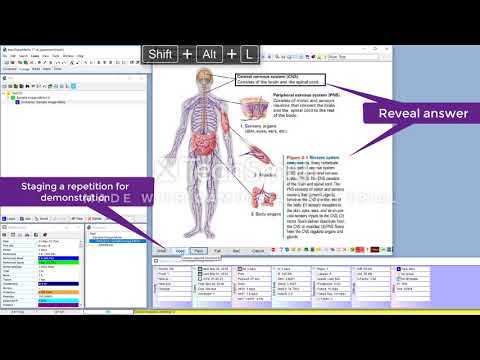
This software works in tandem with Image Occlusion Editor, found on this same GitHub profile
- Executable (SM 18): Executable (.exe) format.
- Executable (SM 17): Executable (.exe) format.
- Script (SM 18): Customizable script (.ahk) format.
- Script (SM 17): Customizable script (.ahk) format.
- Gdip_All.ahk: Dependency for the script version.
- Download the ahk executable or script (see above),
- Download the Image Occlusion Editor installer,
- Run SuperMemo 17 or 18
- Run the script (from step 1)
- On any element with a picture, press Ctrl + Win + O
- Create Occlusion:
Ctrl+Win+O - Edit Occlusion:
Ctrl+Win+E - Focus Content Window:
Ctrl+Alt+C - Compress Image:
Ctrl+Win+C - Set Hook:
Ctrl+Win+H
If you wish to customize the scripts (e.g. the keyboard hotkey), follow the instructions below:
- Download the
.ahkfile on this repository (as opposed to the.exe) - At the head of the script file, edit the following options to your taste:
global ImageEditorBin := "C:\Program Files (x86)\ImageOcclusionEditor\ImageOcclusionEditor.exe"
global OcclusionItemNamePattern := "[Occlusion]: {1}"         ; {1} Parent name
global OcclusionImageNamePattern := "__Occlusion: {1} {2}"    ; {1} Original image name {2} TimeStamp