
- Bubble UI is an experimental, local-first chat interface for LLMs (Gemini/Unsloth and custom endpoints supported out of the box ), designed to explore new patterns in prompt management, context injection, and multi-conversation workflows. It’s a hands-on playground for AI developers and enthusiasts to experiment with advanced chat UI features, context management, and persistent local storage—all in the browser. Some UI elements and features may be experimental or subject to change, and not all controls are guaranteed to work perfectly in every scenario. This is an active area of development—feedback and contributions are welcome!
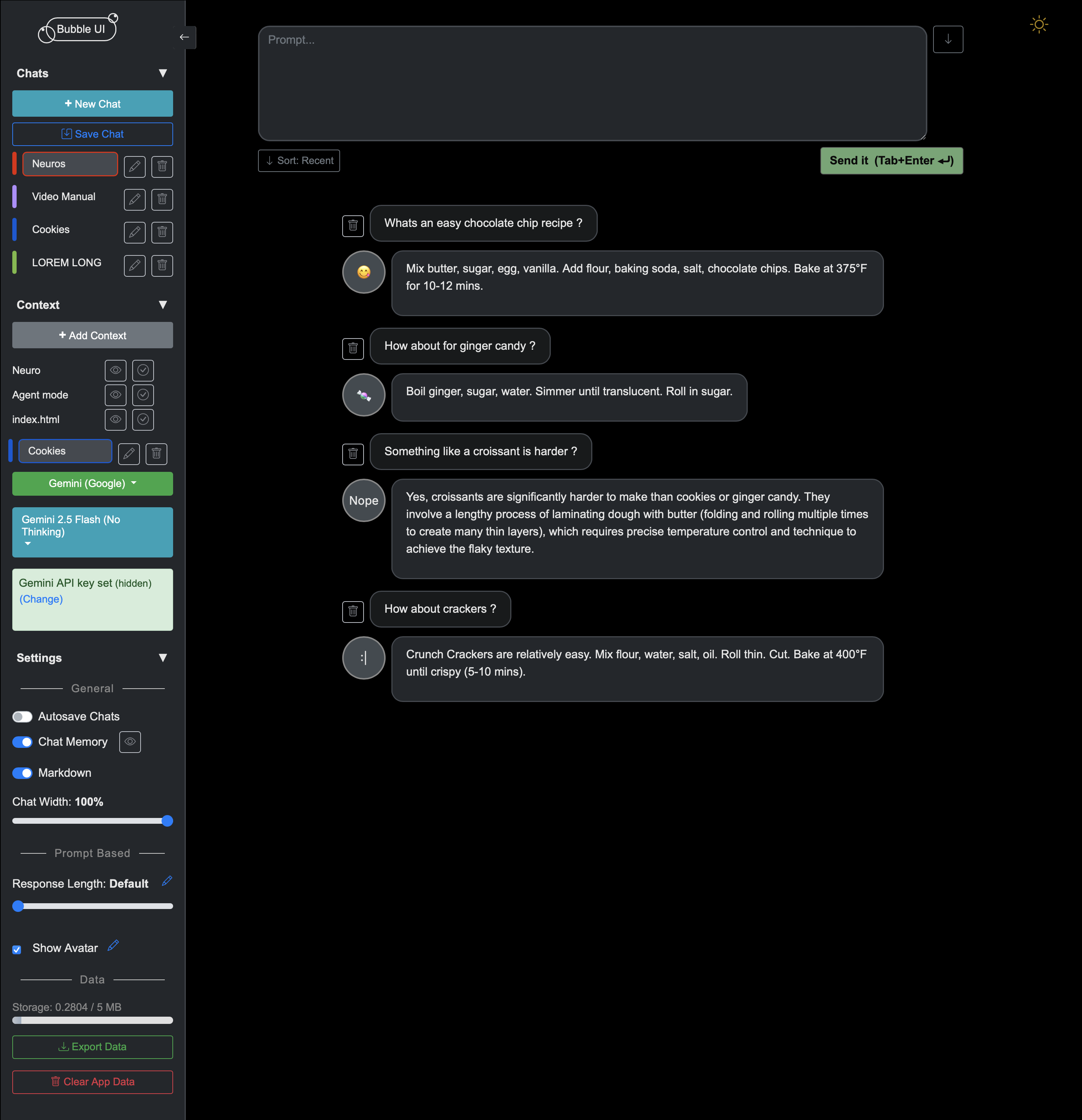
Everything out :
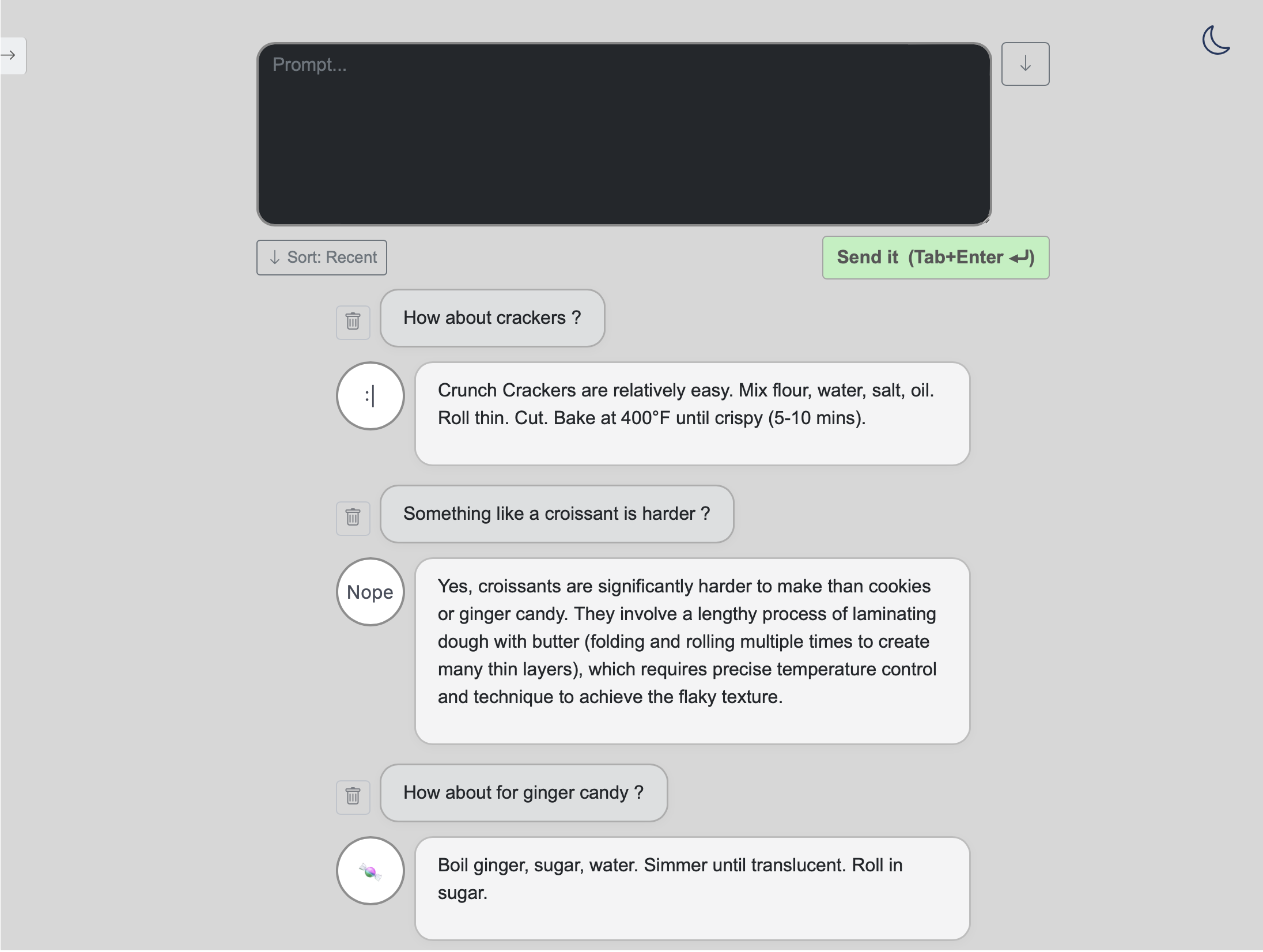
Or minimal zen :
- Tools Section: Added a persistent Tools sidebar section.
- Auto-include current date/time: Prepends the user's system date/time (via browser Intl API) to outgoing prompts (zero deps, persisted to localStorage).
-
Custom API Endpoint & Unsloth Compatibility:
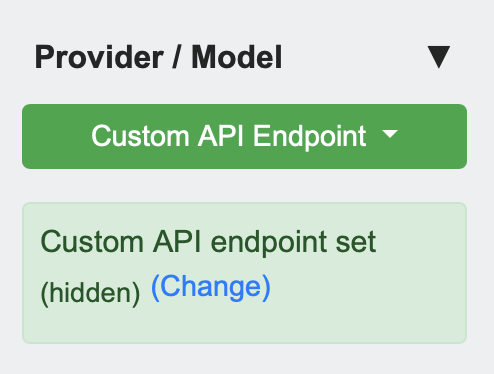
You can now connect Bubble UI to your own LLM backend or a Colab-hosted Unsloth model via a custom endpoint.
See "Custom API & Unsloth Integration" below for details. -
Collapsible sidebar sections:
Sidebar is now organized into four main collapsible sections for a cleaner, less cluttered UI. -
Persistent sidebar state:
The open/closed state of each sidebar section is saved and restored automatically. -
Dark/light mode toggle:
Instantly switch between dark and light themes using a sun/moon icon in the top right. Theme preference is remembered.
-
Easy model selection:
Choose your preferred Gemini model and variant (e.g., "thinking" or "no thinking" for Gemini 2.5 Flash) from a dropdown above the API key section.
The UI updates instantly and all requests use your selected model.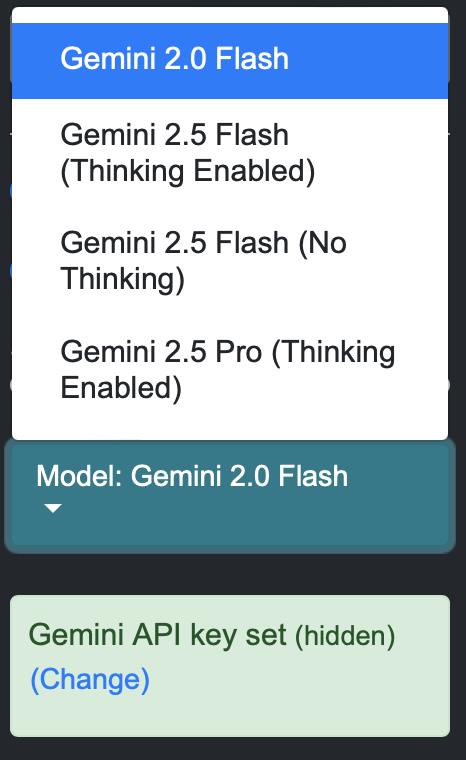
-
Adapters for future providers:
The codebase is ready to support other LLM providers (OpenAI, Claude, etc.)—just add new models insrc/models.js.
Bubble UI can connect to any compatible LLM backend—including Unsloth models running on Colab—using a simple custom API endpoint.
Quick Start:
- Open the Unsloth Inference + Ngrok BubbleUI Colab notebook and follow the instructions to launch your own endpoint.
- The notebook uses ngrok to expose your Colab or local server to the internet. You can use a free custom ngrok domain for easy access (see ngrok custom domains).
- Copy the public
/predictURL shown in the notebook (e.g.,https://your-domain.ngrok-free.app/predict). - In Bubble UI, select "Custom API" and paste your endpoint URL.
That’s it! You can now chat with your own Unsloth model—or any compatible LLM backend—directly from Bubble UI.
Bubble UI supports any endpoint that accepts a POST to
/predictwith a JSON body{ "prompt": "..." }and returns{ "response": "..." }.
This includes local servers, Colab notebooks, Hugging Face Spaces, or your own cloud API.
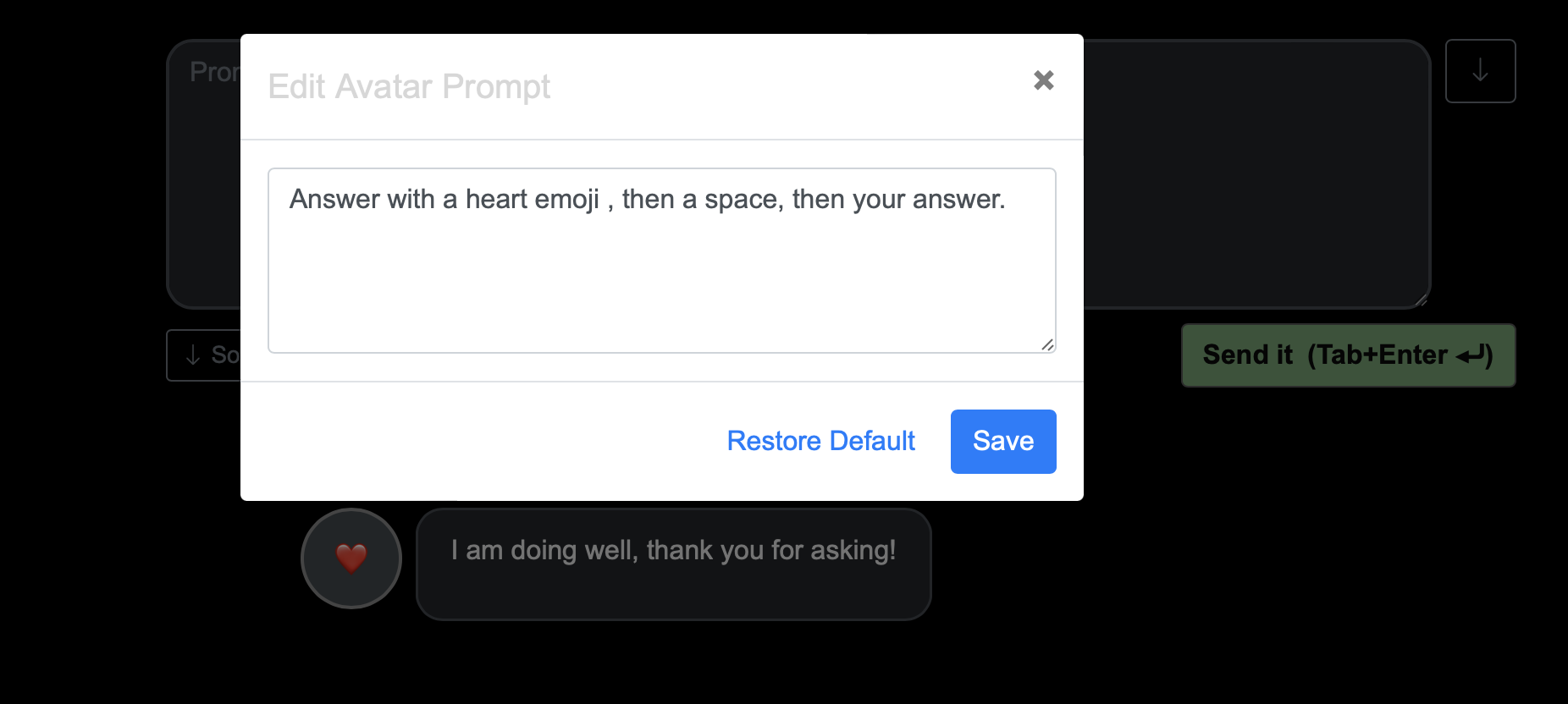
- Prompt-based UI controls: Adjust how the AI responds by editing the underlying prompts for features like response length, avatar/emoticon behavior directly from the interface. Users can customize or restore defaults for each prompt-driven feature.
- Multi-conversation: Save, rename,and switch between chats
- Context management: Add, edit, and activate context snippets for better responses
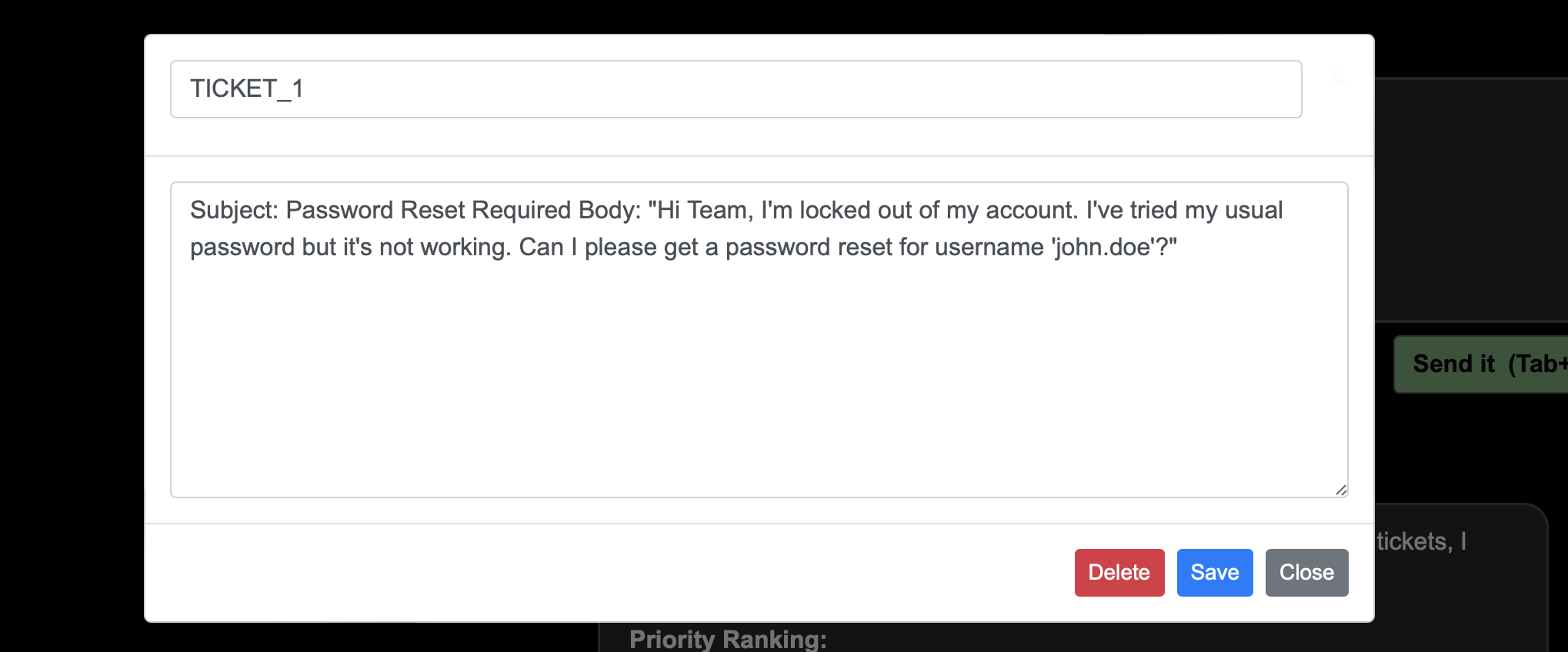
Here we add support tickets as context :
And ask the AI to prioritize (Note the context markers on top of the prompt area):
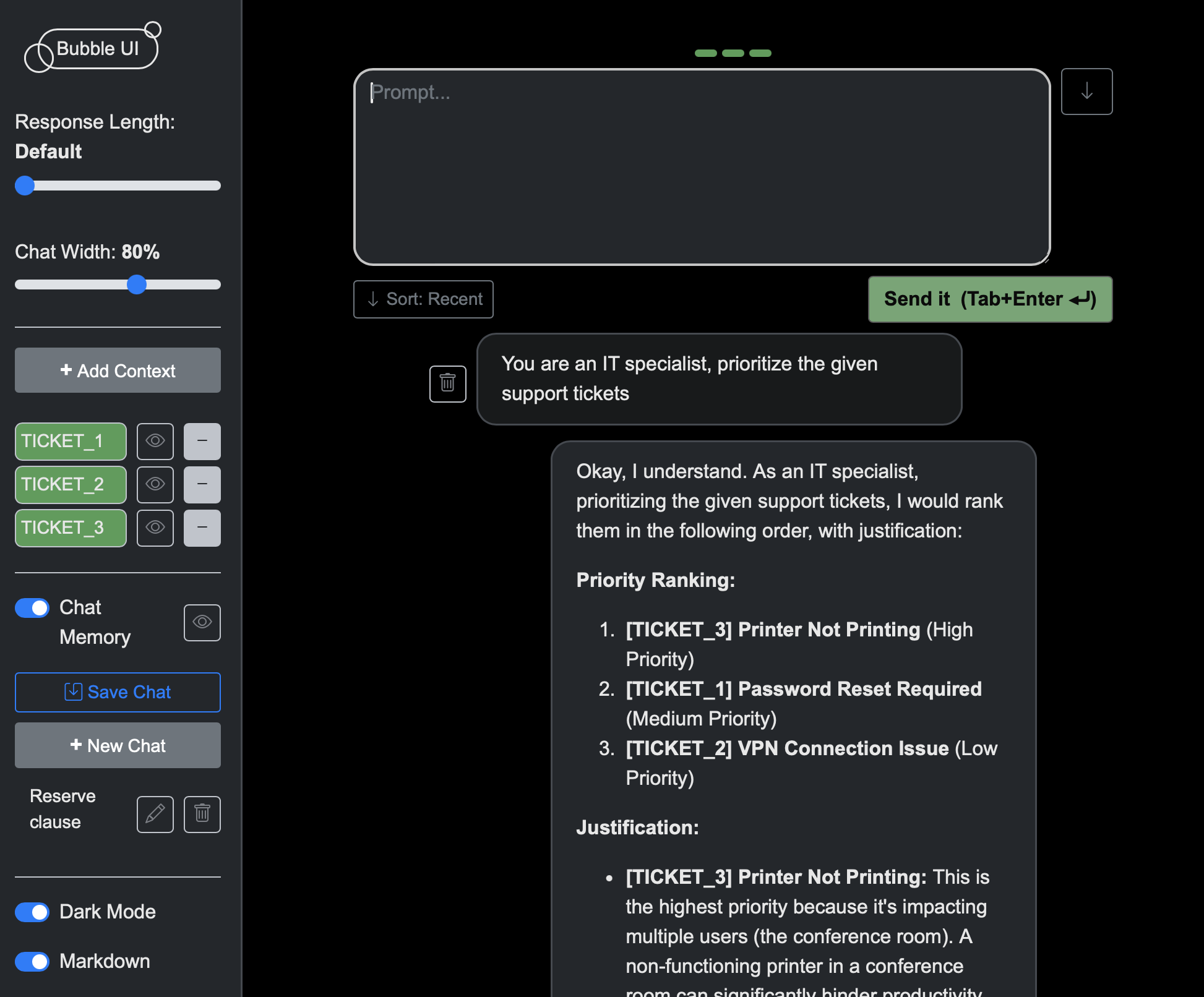
The green bars above the prompt area indicate how many contexts are currently active.
- Autosave chat history with a single toggle
- Sliding sidebar for a cleaner workspace
- Color-coded chats for easy visual organization
- Export all chats, contexts, and prompts with one click
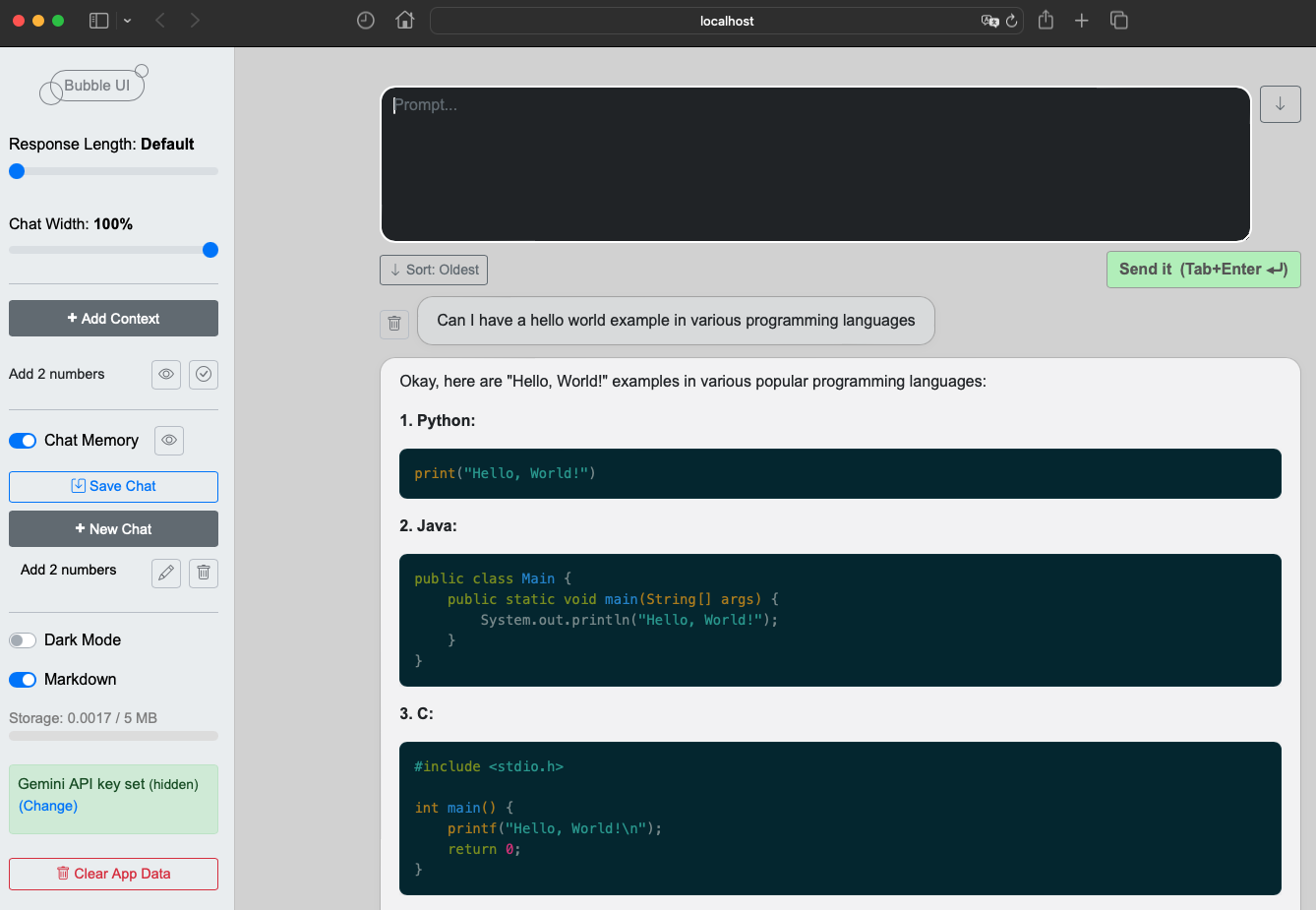
- Markdown & code highlighting in responses
- Chat width adjustment (slider)
- Prompt position & sort order toggles
Note: Bubble UI lets you select from multiple Gemini models (including Gemini 2.0 Flash, Gemini 2.5 Flash, and Gemini 2.5 Pro) directly from the UI. You can also choose between "thinking" and "no thinking" variants for supported models.
git clone https://github.com/KenoLeon/BubbleUI.git
cd BubbleUInpm installnpm startOpen http://localhost:3000 in your browser.
npm run buildnpm run deploy- Local/dev: You can create a
src/apikey.jsfile with
export const GEMINI_API_KEY = 'your-key';
(This file is ignored by git.) - Demo (GitHub Pages): API key is stored in sessionStorage and never leaves your browser.
- Local install: API key is stored in localStorage.
Never use production or sensitive keys in public/demo environments!
For production, use OAuth or a secure API proxy.
This project is intended for local use, personal projects, and demos.
MIT
Based on community feedback and our roadmap, here are planned features for future releases:
- Multiple LLM provider support (OpenAI, Claude, etc.)/ Model Abstraction.
Adapters for model-specific options are already implemented for Gemini models. - Advanced context management context drawer, contextualize chat,
context indicators. ExportImport functionality for chats and contexts- IndexedDB migration for better performance with large datasets
- Mobile-first responsive design improvements
- Prompt Area enhancements
- Standalone desktop app: Make Bubble UI available as a native app using Tauri or Electron.
- Sub conversations separate prompt query, see https://x.com/_k3no/status/1940578335710761234
Have an idea? Open an issue or contribute!
See CONTRIBUTING.md for guidelines and future roadmap.