
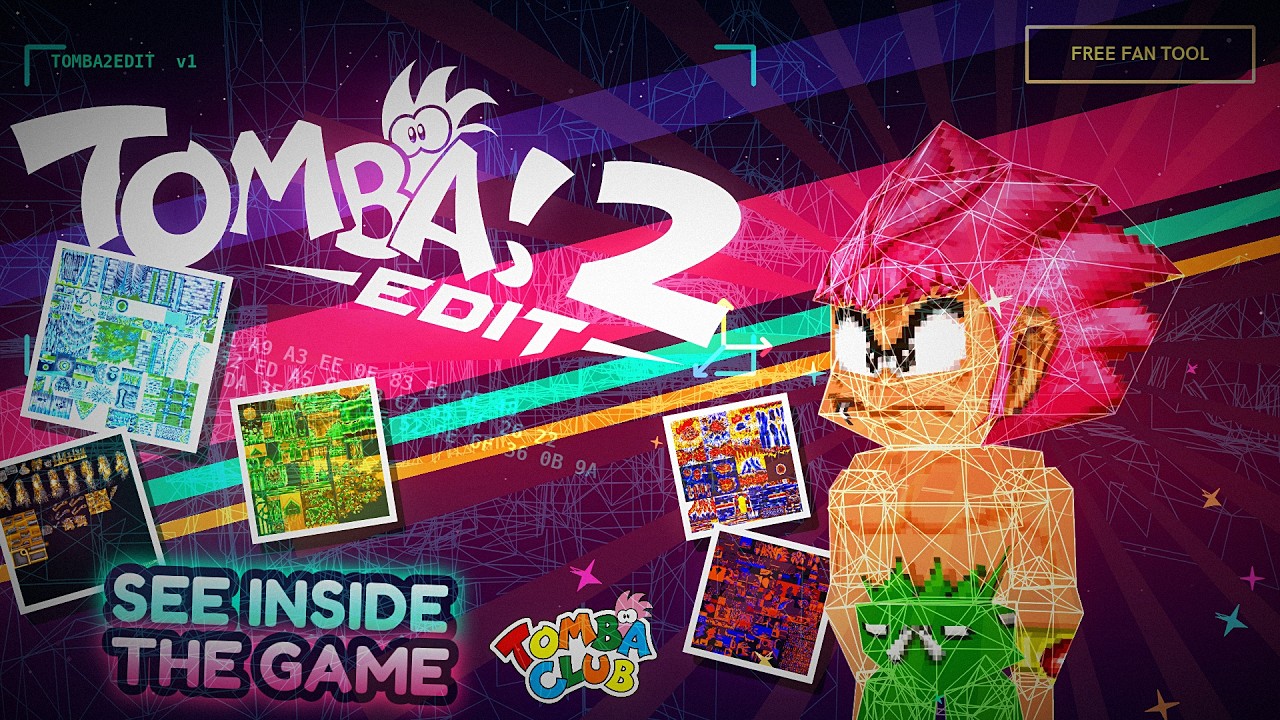
A modding, translation and asset-extraction toolkit for Tomba! 2: The Evil Swine Return (PlayStation).
Tomba2Edit opens a disc image of the game and shows you what is inside it: levels, collision, 3D models, animations, sprites, textures, dialogue, music, sound effects and movies - each in a viewer that understands the format, and most of them editable. Changes are staged, repacked and written back out as a playable disc.
The project is built on reverse-engineering work by the Tomba Club community.
Goal: make Tomba! 2's internal game data accessible to modders, translators, researchers and preservationists.

The level editor runs the area's own code on a MIPS interpreter, so what you see is what the game would place: the level, its background, every object, every animation.


- Read and analyse the game's
DAT/IDXarchives - Extract, replace and repack files inside them
- Batch many edits into a single repack
- Handle sector alignment and pointer relocation when data changes size
- Name every file on the disc from a label set scored against the IDX
- Read PlayStation CD/ISO data and BIN/CUE rips
- Open and save Special Edition CAR disc images; preserve CUE track metadata when building edited BIN/CUE copies. See disc images.
- Rebuild ISO9660 images with modified files
- Patch in place where it matters - the CD audio and XA music only survive that way
- MDAT level geometry, textured, with per-polygon inspection
- SCLD collision planes, walls and paths
- DRWA / DRWB drawmaps
- BGMP background maps
- A level editor that assembles a whole area - objects, pickups, chests, rooms, effects - by running the game's own handlers
- Drag chests, crystals, items, health pickups and weapons from the palette below the viewport; edit their native options, move them along collision, and keep the changes in projects and disc builds. See placement editing for supported builds and limits.
- SMST model viewing, part by part
- ANMP animation playback on a reconstructed skeleton
- VRAM and texture-page visualisation
- glTF / GLB export with embedded textures and animation, ready for Blender
- Blender OBJ import/export for complete MDAT geometry and individual SMST parts, including new topology and lossless unedited round trips. See the Blender editing guide.
- Texture migration: move a model's art somewhere every area can reach it
- SPRT sprite banks, with a pixel editor and palette tools
- Sprite-sheet and PNG export
- PlayStation VRAM viewing and IMG chunk editing
- TXTD / TXT2 dialogue editing with a live in-game preview
- Font page editing - add characters the original disc never had
- Import/export whole scripts as JSON or plain text
- Japanese text support, including the console's own BIOS kanji font
- Voice clips linked to the lines they speak
- Sequenced music (SEQ/VAB) with a note editor and MIDI import/export
- XA streamed music and voice
- Sound-effect banks
- WAV and optional MP3 export
The three STR movies in the disc's MOVIE folder - LOGO.STR, OP.STR
and END.STR:
- Software MDEC decoding, so no external decoder is needed
- A frame-accurate timeline (every STR frame is independent, so seeking anywhere costs one frame)
- Export as a still PNG, a numbered PNG sequence, the soundtrack as
WAV/MP3, the raw
.STRsectors, or - where ffmpeg is on PATH - a finished MP4/MKV/AVI with the sound in it
The soundtrack lives in CD-XA Form 2 sectors, so it only survives in a
raw BIN/CUE data track; a 2048-byte ISO or an extracted MOVIE folder
gives the picture alone.
| Format | What it is | Where it lives |
|---|---|---|
DAT / IDX |
Main archive and its index | formats/archive/ |
MDAT |
Level geometry | formats/geometry/ |
SCLD |
Collision | formats/collision/ |
DRWA / DRWB |
Drawmaps | formats/drawmaps/ |
BGMP |
Background maps | formats/background/ |
SMST |
3D models, and glTF export | formats/models/ |
ANMP / TANP |
Animation and skeletons | formats/animation/ |
SPRT |
Sprite banks | formats/sprites/ |
IMG |
Texture chunks | formats/images/ |
TXTD / TXT2 |
Dialogue, font pages, translation | formats/text/ |
STR |
MDEC movies with CD-XA sound | formats/movie/ |
SEQ / VAB / XA / VAG |
Music, voice, sound | formats/audio/ |
MAIN.EXE, *.BIN, SOP |
Executable and overlays | formats/executable/ |
main.py             the entry point
formats/            one package per game format - parser, renderer, viewer
psx/                the PlayStation itself: MIPS interpreter, GPU, VRAM
game/               what is true of Tomba! 2 in particular - placements,
                    handlers, labels, the eleven builds, actor simulation
disc/               ISO9660, BIN/CUE, raw sectors, rebuilding images
gui/                the application shell, its widgets and the level editor
  main_window/      the window, split into one mixin per concern
  widgets/          controls with no one format of their own
  level/            the level editor
icons/              artwork
labels/             file-name sets, per build
decomp/             symbols and per-build address maps
docs/               notes, format references, screenshots
examples/           standalone research tools and older experiments
Download the latest Tomba2Edit executable from the repository's Releases page.
pip install PyQt6 numpy pillow PyOpenGL
python main.py
Optional: lameenc for MP3 export, and ffmpeg on PATH for finished
video files.
To build a standalone executable:
pyinstaller main.spec- Obtain a legally dumped copy of Tomba! 2: The Evil Swine Return.
- A BIN/CUE dump of the US retail release is recommended - it is the only form that carries the CD audio and the voice track.
- Open
Track 1.BINin Tomba2Edit. - Explore, edit, and export or repack your changes.
ISO images and extracted game directories also work, with the caveats above.
Tomba2Edit does not provide copyrighted Tomba! 2 game data. You must provide your own legally obtained dump.
Hold the right button inside a 3D viewport to enter free-camera mode.
A trackpad has no middle button, so the orbit it would do is on the
navigation key - Option on a Mac - and the two-finger gestures are the
ones a trackpad has: scroll and pinch zoom, Shift+scroll pans.
| Input | Action |
|---|---|
W A S D |
Move |
Q / E |
Move up / down |
| Option-drag | Orbit |
| Option+Shift-drag | Pan |
| Option+right-drag | Zoom |
| Two-finger scroll / pinch | Zoom |
| Shift+scroll | Pan |
| Middle-drag | Orbit (mouse) |
| Shift+middle | Pan (mouse) |
| Right-drag | Look around |
| Mouse wheel | Zoom, or camera speed |
Shift |
Faster movement |
F |
Frame the selection |
On Windows and Linux the same keys work with Alt in place of Option.
Tomba2Edit is an active reverse-engineering and modding project. Some formats and editing operations are mature; others are still being researched.
Working today: archive repacking, text and font editing, level geometry, collision and drawmap viewing, the level editor, model and animation export, sprite editing, audio and movie export, ISO rebuilding and file replacement.
Contributions are welcome - reverse engineering unknown formats, improving parsers, testing modifications, adding exporters, documentation and GUI work all help.
If you discover a bug or work out an undocumented Tomba! 2 format, please open an Issue or start a discussion.
examples/research/ holds standalone format-analysis tools, and
docs/reference/ the hand-written format notes and disc maps the label
sets were built from.
This project would not exist without the Tomba Club reverse-engineering community. Thanks to everyone who contributed research, testing, documentation and technical discoveries.
- Tomba Club Wiki - technical documentation
- Tomba Club Discord - discussion and collaboration
Tomba! 2, Tomba 2, Tombi 2, Tomba 2: The Evil Swine Return, Tombi 2: The Evil Swine Return, Tomba 2 Evil Swine Return, Tombi 2 Evil Swine Return, Tomba 2 PlayStation, Tomba 2 PS1, Tomba 2 PSX, Tomba 2 game, Tomba 2 tools, Tomba 2 editor, Tomba 2 game editor, Tomba 2 modding, Tomba 2 modding tool, Tomba 2 modding tools, Tomba 2 ROM hack, Tomba 2 ROM hacking, Tomba 2 ROM hacking tools, Tomba 2 hack, Tomba 2 fan translation, Tomba 2 translation, Tomba 2 translation tool, Tomba 2 localization, Tomba 2 text editor, Tomba 2 text editing, Tomba 2 repacker, Tomba 2 exporter, Tomba 2 extractor, Tomba 2 asset extractor, Tomba 2 asset extraction, Tomba 2 data extraction, Tomba 2 DAT extractor, Tomba 2 DAT repacker, Tomba 2 IDX, Tomba 2 DAT IDX, Tomba 2 ISO editor, Tomba 2 ISO builder, Tomba 2 BIN CUE, Tomba 2 disc image, Tomba 2 game files, Tomba 2 file formats, Tomba 2 reverse engineering, Tomba 2 research, Tomba 2 game data, Tomba 2 game assets, Tomba 2 resources, Tomba 2 archive editor, Tomba 2 archive extractor, Tomba 2 level editor, Tomba 2 level viewer, Tomba 2 level modding, Tomba 2 collision editor, Tomba 2 collision viewer, Tomba 2 map editor, Tomba 2 map viewer, Tomba 2 3D editor, Tomba 2 3D viewer, Tomba 2 3D models, Tomba 2 model viewer, Tomba 2 model extractor, Tomba 2 model exporter, Tomba 2 character models, Tomba 2 animation, Tomba 2 animation viewer, Tomba 2 animation exporter, Tomba 2 skeleton, Tomba 2 textures, Tomba 2 texture viewer, Tomba 2 texture extractor, Tomba 2 sprites, Tomba 2 sprite editor, Tomba 2 sprite extractor, Tomba 2 spritesheet, Tomba 2 VRAM, Tomba 2 graphics, Tomba 2 background graphics, Tomba 2 audio extraction, Tomba 2 sound effects, Tomba 2 BGM, Tomba 2 music extraction, Tomba 2 WAV, Tomba 2 MP3, Tomba 2 glTF, Tomba 2 GLB, Tomba 2 Blender, Tomba 2 3D export, Tomba 2 asset viewer, PlayStation modding tools, PS1 modding tools, PSX modding tools, PlayStation ROM hacking, PS1 ROM hacking, PSX ROM hacking, PlayStation reverse engineering, PS1 reverse engineering, PSX reverse engineering, PlayStation game editor, PS1 game editor, PS1 asset extraction, retro game modding, classic game modding, game preservation, video game preservation, fan localization, fan translation tools, ROM hacking tools, game reverse engineering, game asset extraction, DAT file editor, DAT file extractor, DAT repacker, IDX file, ISO9660, glTF exporter, GLB exporter, Blender game assets, Python, PyQt6.