

Know what your patch is actually doing.

SCOPE brings a crisp OLED display to your rack so you can watch your waveforms, tune your oscillators and understand your signals at a glance — all in 6HP. This repository holds the firmware for all SCOPE hardware revisions.
SCOPE is Modulove's adaptation of the HAGIWO OLED oscilloscope, built on the SMD hardware by Michael Zülch (CATs-Eurosynth).
- 0.96" OLED display (SSD1306, 128 × 64)
- Full 20 Vpp input range — covers the complete Eurorack voltage spectrum, overvoltage protected
- Buffered output for clean signal passthrough and module chaining
- Rotary encoder with push button for mode selection and parameter control
- Trigger input for a stable, locked waveform display and one-shot capture of transients
- Tuner mode
- Function generator output on the newest hardware revision (v2.5) — sine, triangle, saw, square and DC
- Random CV with rate, slew and range — from stepped sample & hold to a slow wander
- Clock output with BPM and gate length
- Fixed 1/2/3/4 V references for calibrating other modules
- Web-based firmware uploader — update from your browser, no Arduino IDE needed
- 6HP, skiff friendly, 40 mA (+12 V) / 10 mA (−12 V)
- Beginner friendly: all SMD parts come pre-soldered, only through-hole assembly left
- Available as panel + PCB kit, full DIY kit, or built module
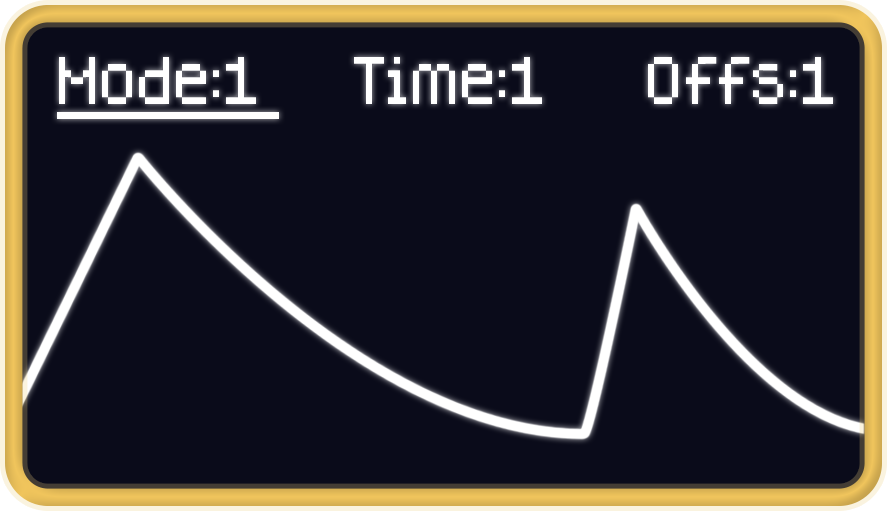
Modes: LFO scrolling view · WAVE triggered sweep · TUNER pitch and cents ·
GEN function generator · RND random CV (rate + slew + range) · CLK clock pulse
(BPM + gate) · REF fixed 1–4 V reference.
The last four need a DAC and are hidden if none is fitted.
RND is the one mode with three parameters, so its parameter bar has a fourth slot.
Using REF as an octave source: whole volts land on exact DAC codes (51 steps per
volt), so 1/2/3/4 V come out with no quantisation error — useful as a precise octave
offset.
Calibrating the DAC: set REF to 4 V, adjust DAC Gn in the settings menu until a
meter reads 4.00 V, then check 1 V and correct with DAC Ofs. The output is ratiometric
to VCC, so calibrate on the supply you will actually use — a 1 % VCC error is 12 cents.
Controls: short press — switch menu slot · rotate — adjust · medium press (1–2 s) — save settings · long press (> 3 s) — global settings (encoder direction, menu timeout, display orientation)
Display dark after flashing? Hold the encoder button while powering up to step through
the four hardware profiles (display and encoder wiring); the splash shows the active one as
P0–P3 and the choice is saved.
| Revision | PCB | Firmware folder | Modes |
|---|---|---|---|
| SCOPE v1 | black | Firmware/SCOPE |
Oscilloscope (LFO / WAVE / SHOT), Spectrum analyzer, Tuner |
| SCOPE v2 | green | Firmware/SCOPEv2 |
LFO, WAVE (triggered), TUNER |
| SCOPE v2.5 | colorful, LGT8F328P or Nano | Firmware/SCOPEv2 |
as v2 + GEN, RND, CLK, REF |
The CV output can be driven either by the on-board MCP4725 (U4) or by the LGT8F328P's own DAC on D4, and a solder jumper selects which. If you fit an LGT8F328P board, cut the jumper's default trace and bridge it to the LGT8F DAC side.
Left on the default setting, the module resets at random and the CV jack stays silent.
Which DAC the firmware uses depends on the board:
- LGT8F328P builds use the chip's own DAC on D4 — this is why the jumper must be moved. The MCP4725 path is not compiled into this build.
- ATmega328P builds use the MCP4725 (U4) over I²C.
Flash the firmware that matches your PCB. The v2 firmware does not run on v1 (black PCB) hardware.
Firmware/SCOPE_DEBUG is a debugging build of the v1 firmware.
Easiest: flash from the browser (Chrome, Edge or Opera) at dl.modulove.io/scope — pick Nano, Nano (old bootloader) or LGT8F328P to match your board. Disconnect Eurorack power before plugging in USB.
# boards: arduino:avr:nano | arduino:avr:nano:cpu=atmega328old | lgt8fx:avr:328
# lgt8fx core index: https://raw.githubusercontent.com/dbuezas/lgt8fx/master/package_lgt8fx_index.json
arduino-cli lib install "Adafruit GFX Library" "Adafruit SSD1306" Encoder
arduino-cli compile -b lgt8fx:avr:328 -u -p COM5 Firmware/SCOPEv2
Firmware/SCOPE (v1) additionally needs fix_fft for the spectrum analyzer.
- 📄 Quick Start Guide (PDF)
- 🔩 Interactive BOM
- 🎬 Build video (YouTube)
- ⬆️ Web firmware uploader
- 🛒 Product page · Shop
- 🧩 ModularGrid
- 🔧 Hardware design files (CATs-Eurosynth, KiCad)
- 📝 Original HAGIWO article · HAGIWO video
- HAGIWO — original oscilloscope & spectrum analyzer code and concept
- Michael Zülch / CATs-Eurosynth — SMD hardware
- Modulove — v2 / v2.5 hardware, firmware, kits and the web uploader