Ruby dependencies are managed by Bundler. After bundle install, run:
npm run devThis regenerates the news and publication views and starts Jekyll at http://127.0.0.1:4000 with live reload. Node dependencies are not required for this command. Run npm run build for a complete static build in _site. Run npm test for publication metadata and search regression checks.
The website uses semantic Jekyll/Liquid templates, a standalone stylesheet (assets/css/lab.css), and a small vanilla JavaScript file (assets/js/lab.js). Sora and Hanken Grotesk are self-hosted with their OFL licenses in assets/fonts. The design system is documented in DESIGN.md.
- News: edit
news.yml, then runruby news_generator.rb. This writes the full/news/archive and the homepage preview. - Publications: edit
_bibliography/references.biband add an explicit record underpapersin_data/publication_taxonomy.yml, then runbundle exec ruby publications_generator.rb. Every paper needs one or more controlled topics and tags and an actual publication year of 2008 or later. Use explicit preprint format metadata, never a synthetic future year. The build rejects untagged records and unknown IDs. This writes the publication region, metadata index, facet counts, selected-work data, and explorer points. Keep the BEGIN/END comments in_pages/publications.md. - Topics and tags:
_data/publication_taxonomy.ymlis the editorial source. Assign multiple topics when appropriate. Aliases support search, and optionalformatoverrides correct legacy BibTeX types without altering citations. Do not edit the generated_data/publication_index.ymlor_data/publication_facets.yml. - Giving: edit
_pages/support.mdfor copy and_data/giving.ymlfor contacts. Leavefund_nameandfund_urlempty until CU Advancement confirms a lab-specific gift designation. Set both to activate the direct giving button; the default is a contact route. Never substitute a generic department fund URL. - Featured publications: update the
selectionlist inpublications_generator.rb; bibliographic facts are read from the bibliography. - People: edit
_pages/people.md; optimized photographs live inassets/images/lab/, with source provenance in adjacent JSON files. - Research topics: edit
_data/research_topics.yml;/research/links to four explanatory topic hubs. - Funding: edit
_pages/project_research.md. - Paper overviews: edit
_data/publication_details.yml; the generator writes individual pages using the bibliography and reviewed PDF-source manifest. - Dataset documentation: edit
_pages/mentorship.mdand_data/datasets.yml. The latter also supplies Dataset JSON-LD and the JSON file/checksum export. - Join Us:
_pages/recruitment.mdcovers joining the lab generally, with a dedicated Ph.D. application section and other research opportunities. Keep_pages/recruitment.mdand the homepage application links in_pages/index.mdconsistent. Use general, objective application guidance; link CU Boulder for current requirements and deadlines instead of advertising a fixed number of positions. - Homepage:
_pages/index.mdis the sole owner of/.
The research lens is a radial publication index, not a citation graph. Radius reflects the actual publication year, including preprints; larger points distinguish working papers. Its overlapping topic assignments come from the same reviewed taxonomy as the archive. Hover or keyboard focus reveals a styled paper preview, and topic controls link to the full filtered archive. Each point opens the local research overview when available, otherwise the original paper or archive record.
The lab logo is assets/images/lab/logo.svg: only the gray diamond and blue/cyan semicircles, on transparency. Header, footer, and SVG favicon share this source. logo-restored.png is a transparent 2048 px export; the smaller PNGs are compatibility icons. See .impeccable/decisions/logo-restoration.md.
The September 2026 Scholar reconciliation is recorded in .impeccable/review/scholar-reconciliation.md, with a disposition for every Scholar entry. Fourteen distinct works were added; alternate versions, duplicates, non-paper records, and uncertain metadata are explicitly accounted for.
The GitHub Actions publishing workflow runs both generators, builds in production mode, and checks publication metadata, search behavior, feeds, and internal links before deploying. A failed check stops the deployment.
See .impeccable/decisions/research-publishing.md for maintaining paper pages, abstracts/PDF licenses, publication exports, feeds, GA4, and the existing Search Console property. GA4 requires the confirmed G-… Measurement ID in _config.yml; the retired Universal Analytics ID is no longer emitted.
Staging Deployment : How to deploy the website on personal github repository to validate future design changes.
- In your _config.yml file, change to
url : https://<github username>.github.io
- run the script :
ruby generate_staging_deployment.rb staging /SOSCD
to set the base urls throughout the repository to deploy on personal github portfolio. This will be used to validate design changes on personal github portfolio (staging environment).
- "/SOSCD" is the project name, which will be used as base url in config.yml.
- Running the above file, the append '/SOSCD' project name to all the image urls in the repository, and update base_url in _config.yml file.
- After testing, to revert the changes and to push the changes to live, run:
ruby generate_staging_deployment.rb live /SOSCD
- In Settings of the repository, Navigate to Pages. Under Builld and deployment, set Source as Deploy from a branch. Under Branch, select gh-pages.
- If there is no 'gh-pages' branch in your repository, run the following commands on your terminal first.
git checkout --orphan gh-pages
git rm -rf .
git commit -m "Initial gh-pages commit"
git push origin gh-pages
- In your _config.yml file, change to
url : https://scienceofscience.org
- Then run
ruby generate_staging_deployment.rb live /SOSCD
- The above two changes will set all the urls appropriate for live deployment.




Minimal Mistakes is a flexible two-column Jekyll theme, perfect for building personal sites, blogs, and portfolios. As the name implies, styling is purposely minimalistic to be enhanced and customized by you 😄.
✨ See what's new in the CHANGELOG.
If you enjoy this theme, please consider sponsoring:



Note: The theme uses the jekyll-include-cache plugin which will need to be installed in your Gemfile and must be retained in the plugins array of _config.yml. Otherwise you'll encounter Unknown tag 'include_cached' errors at build.


- Bundled as a "theme gem" for easier installation/upgrading.
- Compatible with GitHub Pages.
- Support for Jekyll's built-in Sass/SCSS preprocessor.
- Nine different skins (color variations).
- Several responsive layout options (single, archive index, search, splash, and paginated home page).
- Optimized for search engines with support for Twitter Cards and Open Graph data.
- Optional header images, custom sidebars, table of contents, galleries, related posts, breadcrumb links, navigation lists, and more.
- Commenting support (powered by Disqus, Facebook, Google+, Discourse, static-based via Staticman, utterances, and giscus).
- Google Analytics support.
- UI localized text in English (default), Arabic (عربي), Brazilian Portuguese (Português brasileiro), Catalan, Chinese, Danish, Dutch, Finnish, French (Français), German (Deutsch), Greek, Hebrew, Hindi (हिंदी), Hungarian, Indonesian, Irish (Gaeilge), Italian (Italiano), Japanese, Kiswahili, Korean, Malayalam, Myanmar (Burmese), Nepali (Nepalese), Norwegian (Norsk), Persian (فارسی), Polish, Punjabi (ਪੰਜਾਬੀ), Romanian, Russian, Slovak, Spanish (Español), Swedish, Thai, Turkish (Türkçe), and Vietnamese.
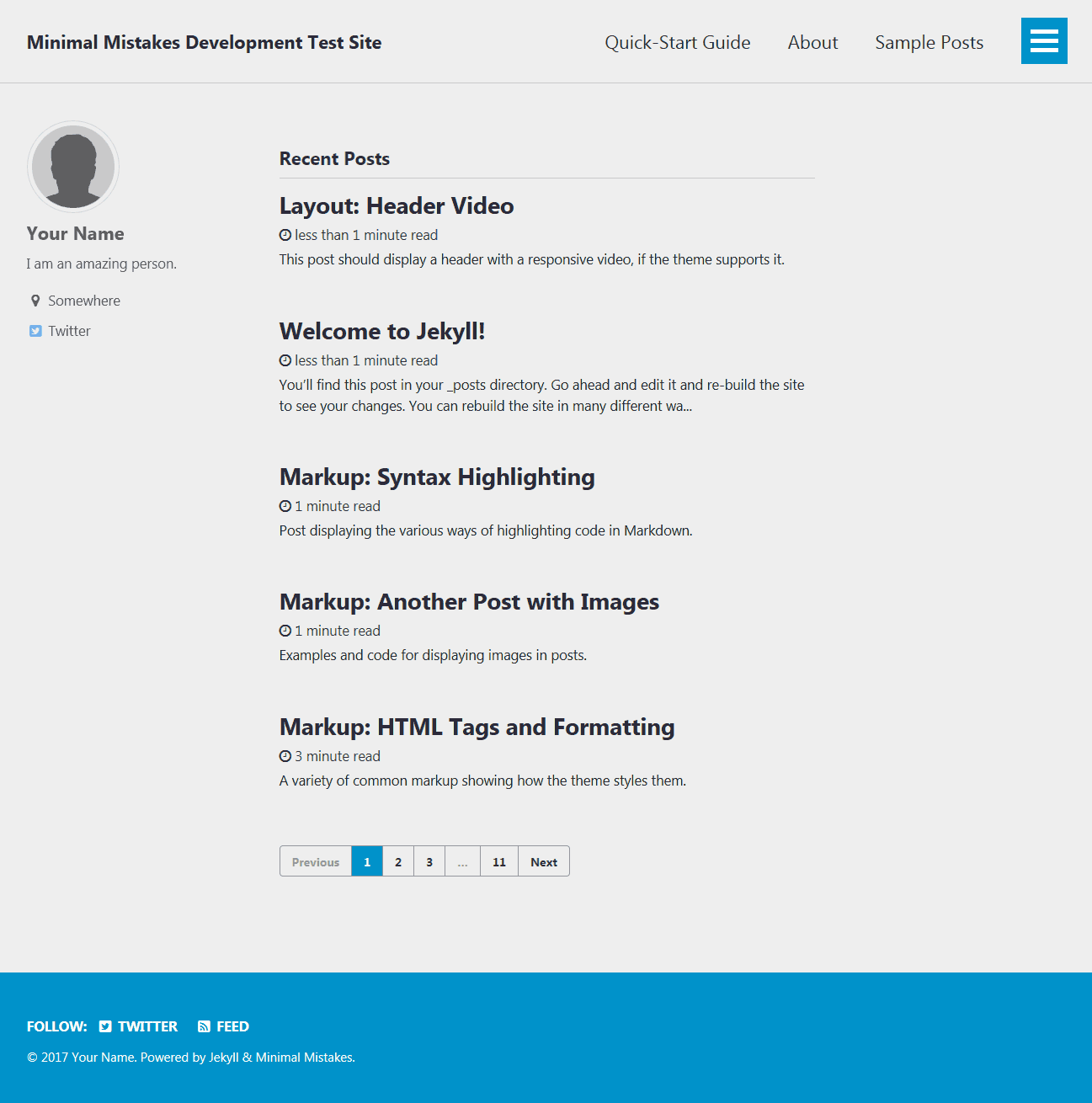
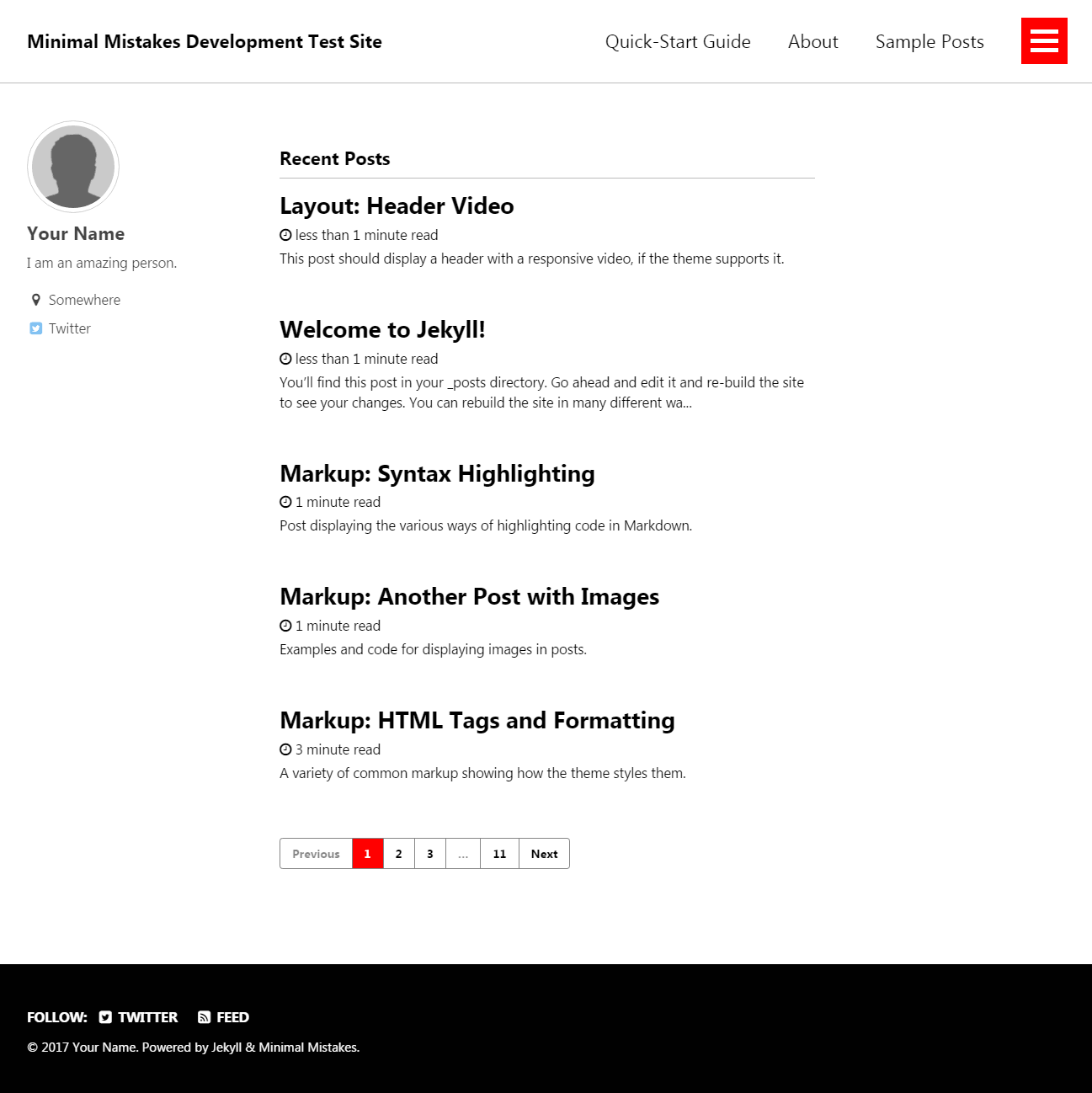
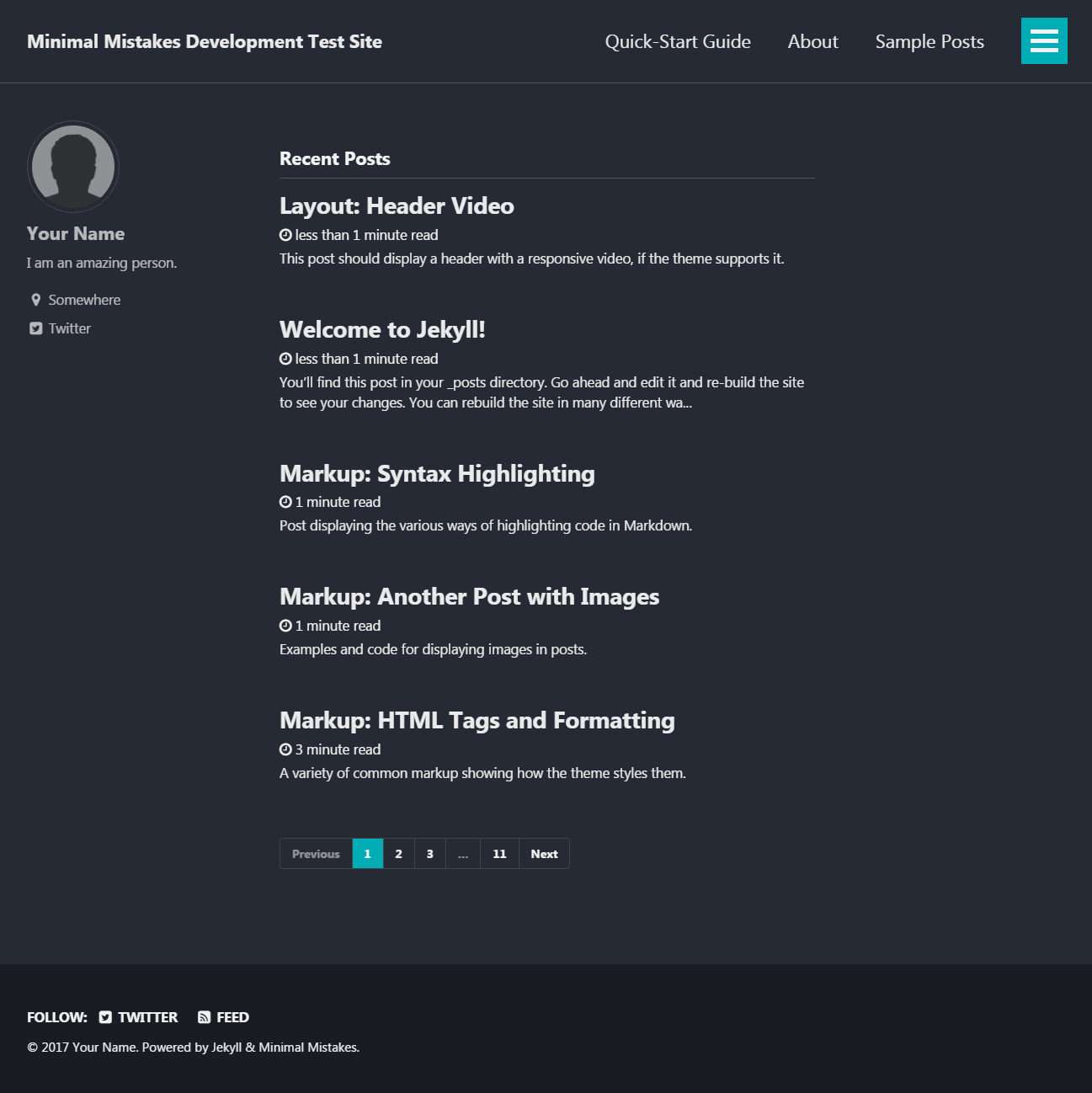
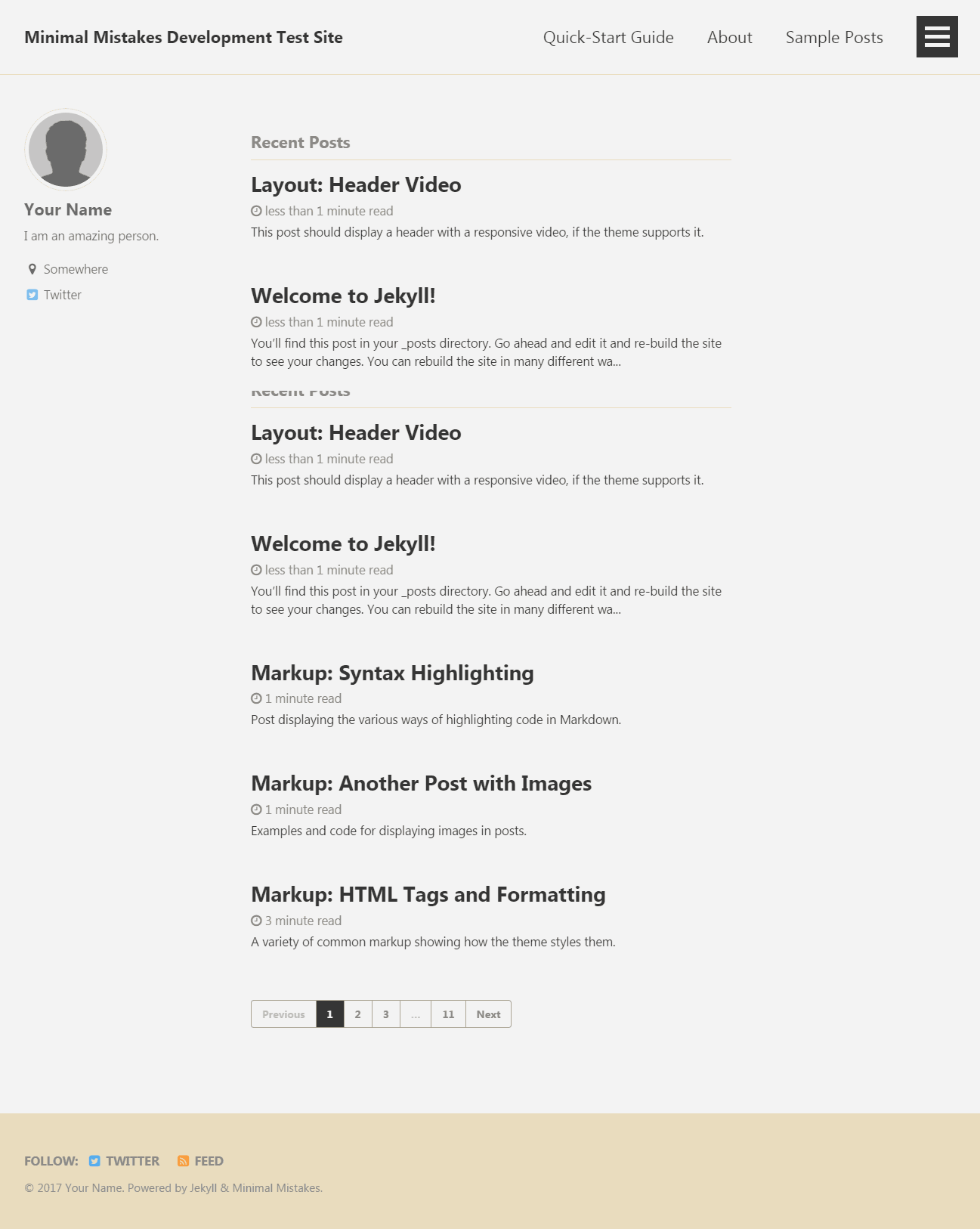
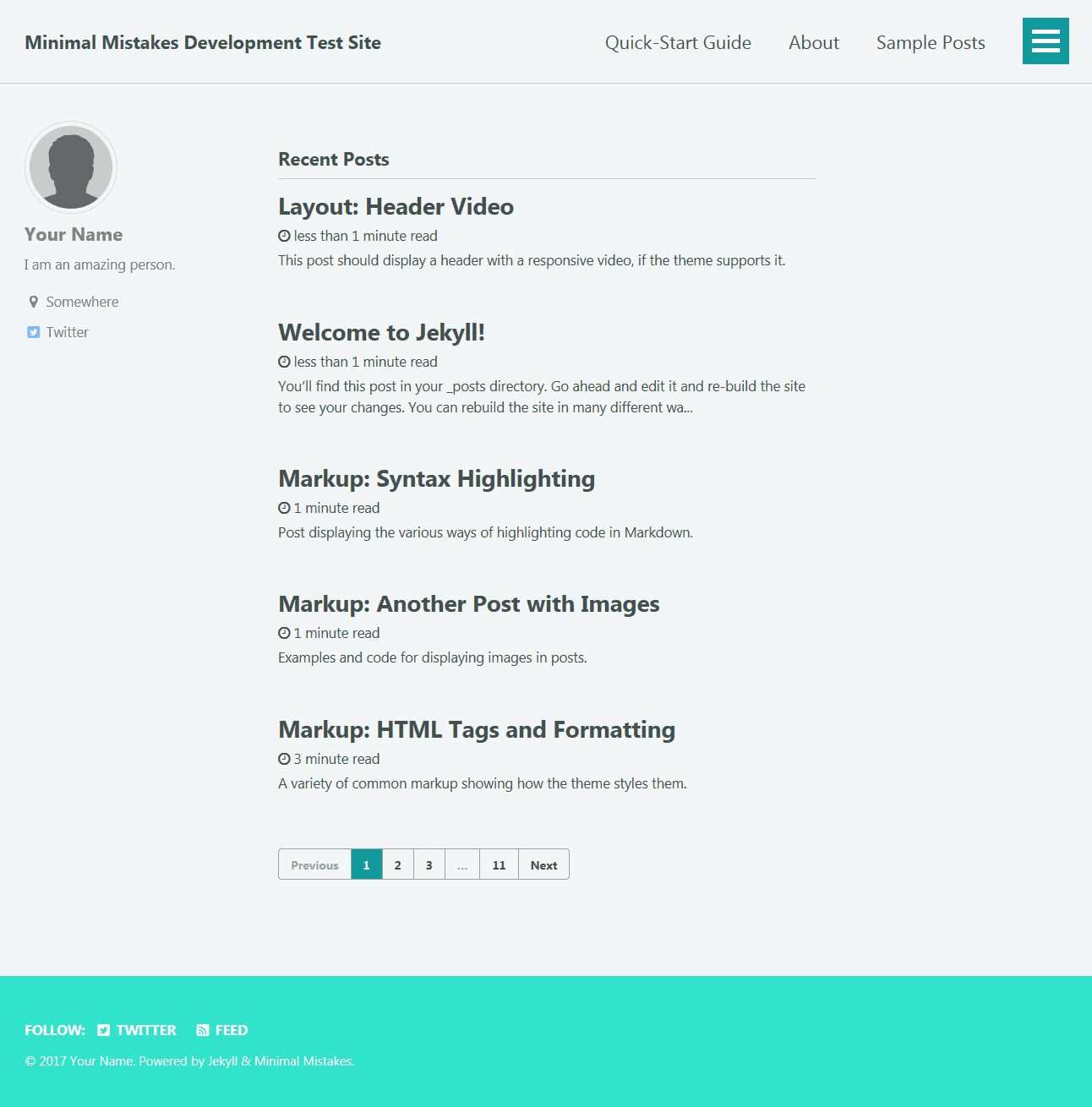
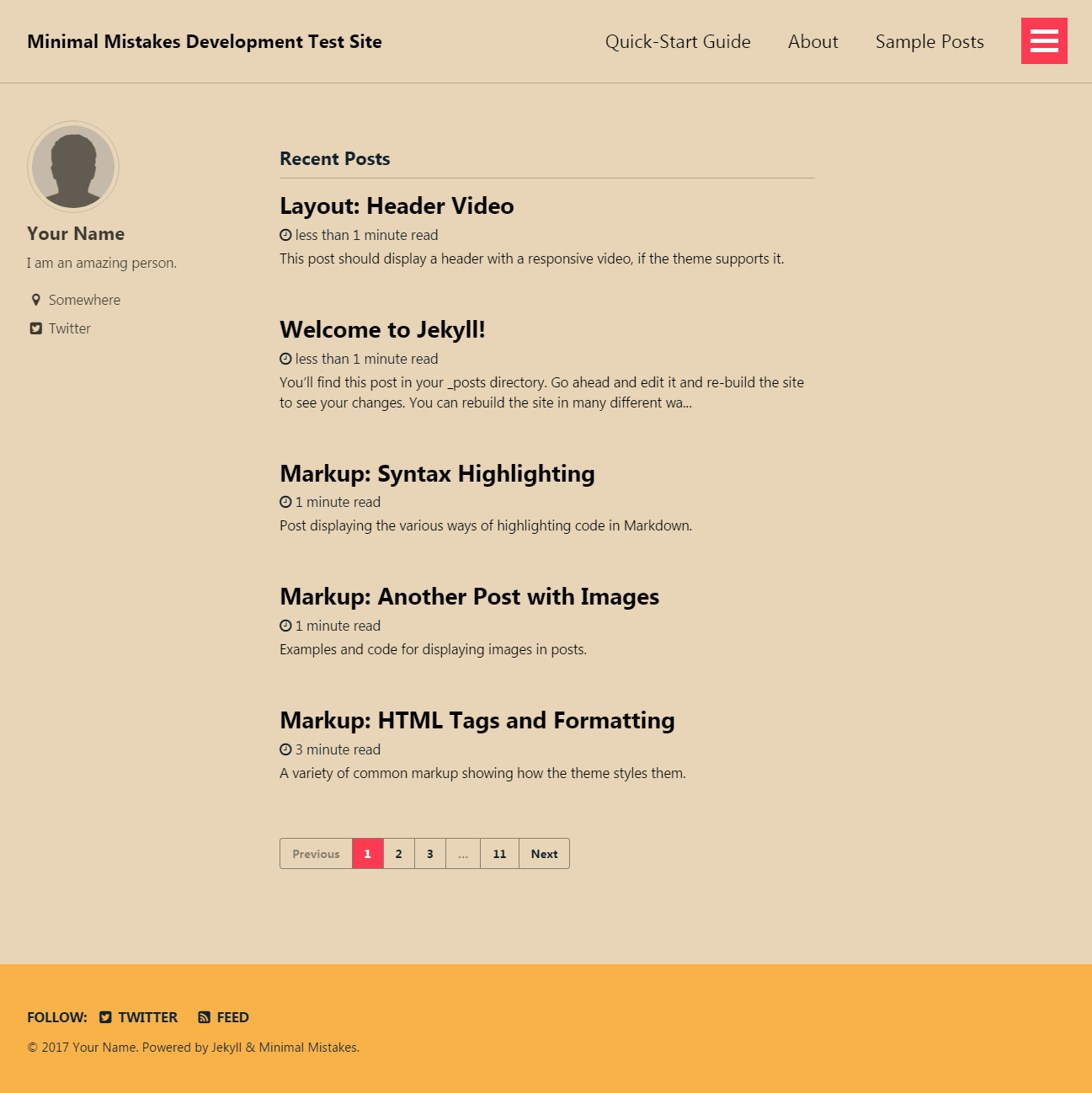
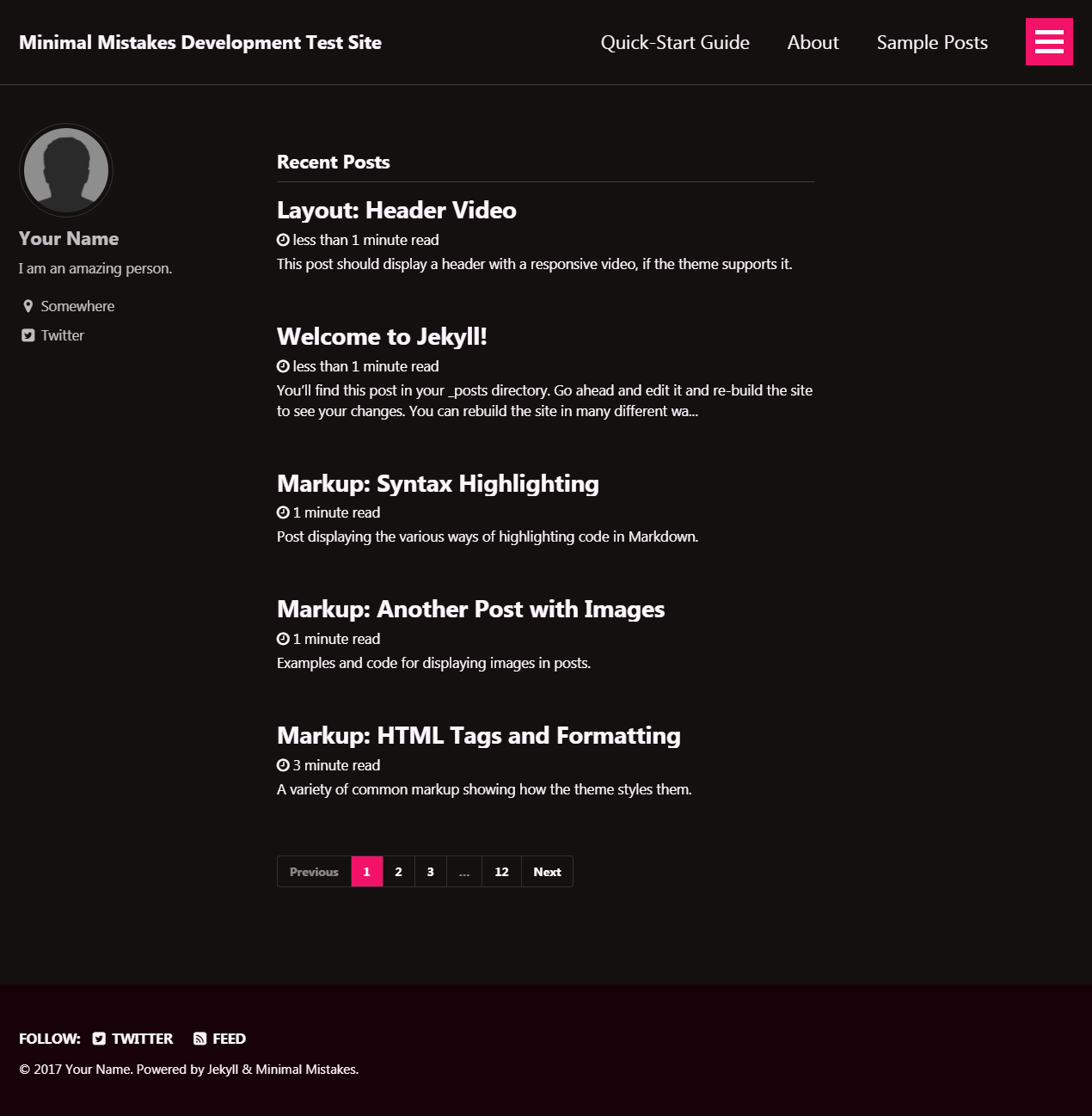
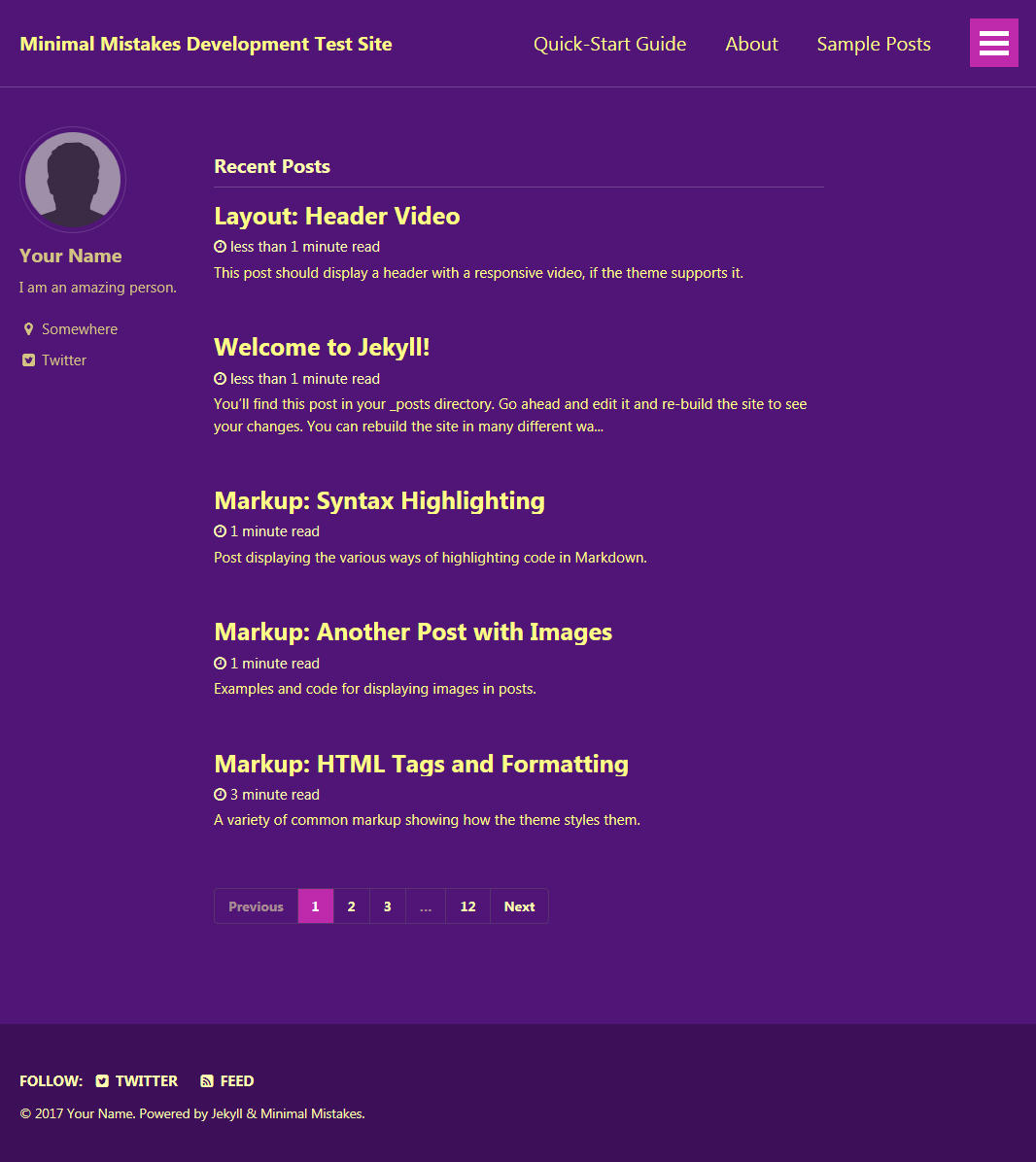
This theme comes in nine different skins (in addition to the default one).
air |
contrast |
dark |
|---|---|---|
 |
 |
 |
dirt |
mint |
sunrise |
|---|---|---|
 |
 |
 |
aqua |
neon |
plum |
|---|---|---|
 |
 |
 |
| Name | Description |
|---|---|
| Post with Header Image | A post with a large header image. |
| HTML Tags and Formatting Post | A variety of common markup showing how the theme styles them. |
| Syntax Highlighting Post | Post displaying highlighted code. |
| Post with a Gallery | A post showing several images wrapped in <figure> elements. |
| Sample Collection Page | Single page from a collection. |
| Categories Archive | Posts grouped by category. |
| Tags Archive | Posts grouped by tag. |
Additional sample posts are available under posts archive on the demo site. Source files for these (and the entire demo site) can be found in /docs.
There are three ways to install: as a gem-based theme, as a remote theme (GitHub Pages compatible), or forking/directly copying all of the theme files into your project.
With Gem-based themes, directories such as the assets, _layouts, _includes, and _sass are stored in the theme’s gem, hidden from your immediate view. Yet all of the necessary directories will be read and processed during Jekyll’s build process.
This allows for easier installation and updating as you don't have to manage any of the theme files. To install:
-
Add the following to your
Gemfile:gem "minimal-mistakes-jekyll"
-
Fetch and update bundled gems by running the following Bundler command:
bundle
-
Set the
themein your project's Jekyll_config.ymlfile:theme: minimal-mistakes-jekyll
To update the theme run bundle update.
Remote themes are similar to Gem-based themes, but do not require Gemfile changes or whitelisting making them ideal for sites hosted with GitHub Pages.
To install:
-
Create/replace the contents of your
Gemfilewith the following:source "https://rubygems.org" gem "github-pages", group: :jekyll_plugins gem "jekyll-include-cache", group: :jekyll_plugins
-
Add
jekyll-include-cacheto thepluginsarray of your_config.yml. -
Fetch and update bundled gems by running the following Bundler command:
bundle
-
Add
remote_theme: "mmistakes/minimal-mistakes@4.24.0"to your_config.ymlfile. Remove any othertheme:orremote_theme:entry.
Looking for an example? Use the Minimal Mistakes remote theme starter for the quickest method of getting a GitHub Pages hosted site up and running. Generate a new repository from the starter, replace sample content with your own, and configure as needed.
For detailed instructions on how to configure, customize, add/migrate content, and more read the theme's documentation.
Found a typo in the documentation or interested in fixing a bug? Then by all means submit an issue or pull request. If this is your first pull request, it may be helpful to read up on the GitHub Flow first.
For help with using the theme or general Jekyll support questions, please use the Jekyll Talk forums.
When submitting a pull request:
- Clone the repo.
- Create a branch off of
masterand give it a meaningful name (e.g.my-awesome-new-feature). - Open a pull request on GitHub and describe the feature or fix.
Theme documentation and demo pages can be found in the /docs if submitting improvements, typo corrections, etc.
To set up your environment to develop this theme, run bundle install.
To test the theme, run bundle exec rake preview and open your browser at http://localhost:4000/test/. This starts a Jekyll server using content in the test/ directory. As modifications are made to the theme and test site, it will regenerate and you should see the changes in the browser after a refresh.
Michael Rose
- The Noun Project -- Garrett Knoll, Arthur Shlain, and tracy tam
- Font Awesome
- Unsplash
- Jekyll
- jQuery
- Susy
- Breakpoint
- Magnific Popup
- FitVids.JS
- GreedyNav.js
- Smooth Scroll
- Gumshoe
- jQuery throttle / debounce
- Lunr
The MIT License (MIT)
Copyright (c) 2013-2020 Michael Rose and contributors
Permission is hereby granted, free of charge, to any person obtaining a copy of this software and associated documentation files (the "Software"), to deal in the Software without restriction, including without limitation the rights to use, copy, modify, merge, publish, distribute, sublicense, and/or sell copies of the Software, and to permit persons to whom the Software is furnished to do so, subject to the following conditions:
The above copyright notice and this permission notice shall be included in all copies or substantial portions of the Software.
THE SOFTWARE IS PROVIDED "AS IS", WITHOUT WARRANTY OF ANY KIND, EXPRESS OR IMPLIED, INCLUDING BUT NOT LIMITED TO THE WARRANTIES OF MERCHANTABILITY, FITNESS FOR A PARTICULAR PURPOSE AND NONINFRINGEMENT. IN NO EVENT SHALL THE AUTHORS OR COPYRIGHT HOLDERS BE LIABLE FOR ANY CLAIM, DAMAGES OR OTHER LIABILITY, WHETHER IN AN ACTION OF CONTRACT, TORT OR OTHERWISE, ARISING FROM, OUT OF OR IN CONNECTION WITH THE SOFTWARE OR THE USE OR OTHER DEALINGS IN THE SOFTWARE.
Minimal Mistakes incorporates icons from The Noun Project creators Garrett Knoll, Arthur Shlain, and tracy tam. Icons are distributed under Creative Commons Attribution 3.0 United States (CC BY 3.0 US).
Minimal Mistakes incorporates Font Awesome, Copyright (c) 2017 Dave Gandy. Font Awesome is distributed under the terms of the SIL OFL 1.1 and MIT License.
Minimal Mistakes incorporates photographs from Unsplash.
Minimal Mistakes incorporates Susy, Copyright (c) 2017, Miriam Eric Suzanne. Susy is distributed under the terms of the BSD 3-clause "New" or "Revised" License.
Minimal Mistakes incorporates Breakpoint. Breakpoint is distributed under the terms of the MIT/GPL Licenses.
Minimal Mistakes incorporates FitVids.js, Copyright (c) 2013 Dave Rubert and Chris Coyier. FitVids is distributed under the terms of the WTFPL License.
Minimal Mistakes incorporates Magnific Popup, Copyright (c) 2014-2016 Dmitry Semenov, http://dimsemenov.com. Magnific Popup is distributed under the terms of the MIT License.
Minimal Mistakes incorporates Smooth Scroll, Copyright (c) 2019 Chris Ferdinandi. Smooth Scroll is distributed under the terms of the MIT License.
Minimal Mistakes incorporates Gumshoejs, Copyright (c) 2019 Chris Ferdinandi. Gumshoejs is distributed under the terms of the MIT License.
Minimal Mistakes incorporates jQuery throttle / debounce, Copyright (c) 2010 "Cowboy" Ben Alman. jQuery throttle / debounce is distributed under the terms of the MIT License.
Minimal Mistakes incorporates GreedyNav.js, Copyright (c) 2015 Luke Jackson. GreedyNav.js is distributed under the terms of the MIT License.
Minimal Mistakes incorporates Jekyll Group-By-Array, Copyright (c) 2015 Max White mushishi78@gmail.com. Jekyll Group-By-Array is distributed under the terms of the MIT License.
Minimal Mistakes incorporates @allejo's Pure Liquid Jekyll Table of Contents, Copyright (c) 2017 Vladimir Jimenez. Pure Liquid Jekyll Table of Contents is distributed under the terms of the MIT License.
Minimal Mistakes incorporates Lunr, Copyright (c) 2018 Oliver Nightingale. Lunr is distributed under the terms of the MIT License.