Tiny C games you can compile and run RIGHT NOW.
Tools and libraries are available for making cross-platform C games, but simple examples can be hard to find.
This project is an example of how you can get started making a game in C that will work on Windows, Mac and Linux.
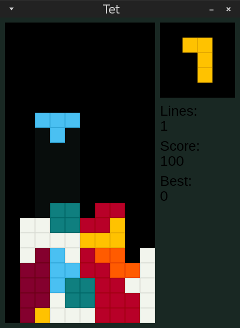
Your classic falling block puzzle game.
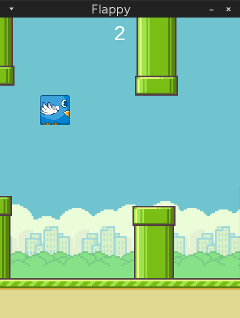
The original tiny game. A Flappy Bird in only around 200 lines of code.
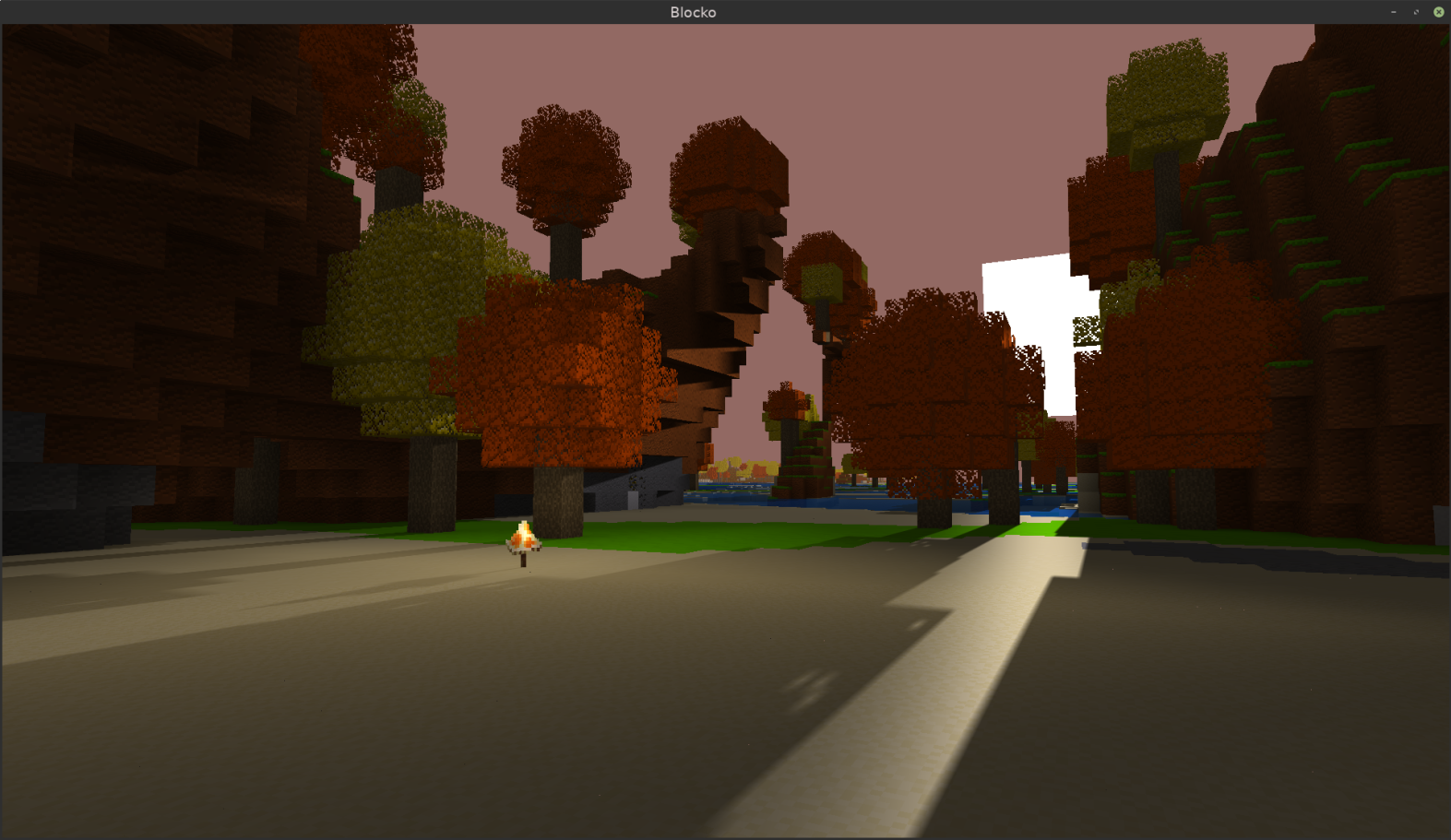
A voxel block-mining game with infinite world and multiplayer.
A top-down adventure game with an overworld and a dungeon.
A quick hack to make Zel into a 2D platformer. Very rough around the edges.
Anything that supports CMake should work. But here are some suggestions for various platforms:
-
Install Visual Studio (you can use the free Community Edition) Make sure to check the box for "C++ CMake Tools for Windows." This may be under "Desktop development with C++"
-
Install the Vulkan SDK (needed for the Vulkan headers and the shader compiler)
-
Open the tinyc.games folder in Visual Studio. It should detect the CMake config and set everything up
-
Use the play button to build & run, e.g.
blocko.exe
-
Install CMake and Vulkan-SDK (Depends on your system)
-
Create a build directory inside tinyc.games
mkdir build cd build -
Run CMake to fetch libraries and create build scripts
cmake .. -
Build!
cmake --build . # build all games cmake --build . --target=blocko # build only blocko -
Run, for example, blocko
./blocko
-
Install CMake. For example if you have Homebrew, run
brew install cmake -
Install the Vulkan SDK for macOS (provides MoltenVK, which runs Vulkan on top of Metal)
-
Create a build directory and generate an Xcode project file
mkdir build cd build cmake .. -G Xcode -
Open the project file with Xcode
After you're done playing an exhilirating demo game, open a .c file in your favorite text editor. You're now looking at the actual code you just ran. So feel free to tinker and run it with your changes. Or use it as a starting point for your own game!